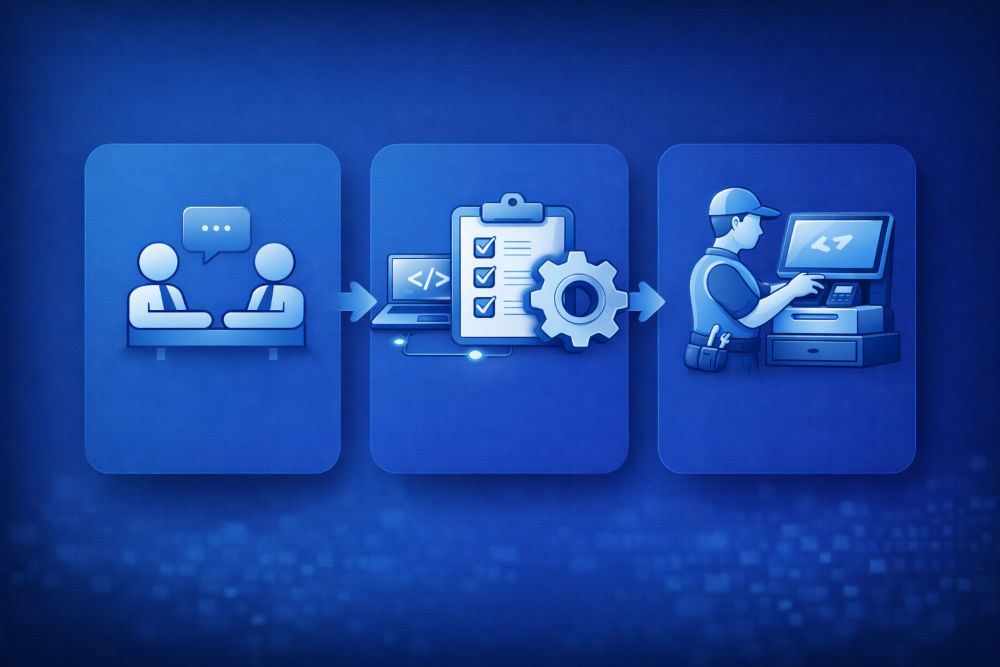
The MyPay POS setup process is carried out through three structured steps, designed to ensure that each business receives a POS solution that fits its specific needs and is ready for use without complications.
1: Personal Meeting
The process begins with a personal meeting, which can take place either at the customer’s location or at MyPay’s premises. During this meeting, the focus is on gaining a clear understanding of the business, how it operates, and what requirements it has for a POS system. This step ensures that MyPay fully understands the business environment, daily workflows, and operational goals before moving forward.

2: Customized Setup
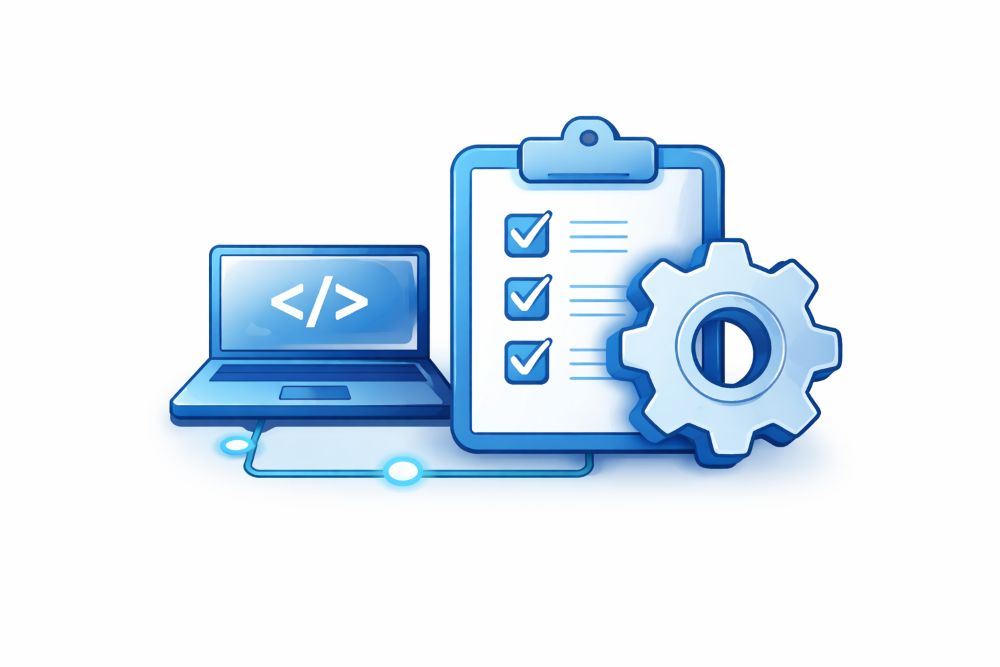
The second step is a tailored setup. Based on the insights gathered during the personal meeting, the POS system and any required accessories are carefully selected to align with the business’s workflow. This step ensures that the chosen hardware and software configuration supports how the business actually operates, rather than forcing the business to adapt to a generic setup.
3: On Site Installation
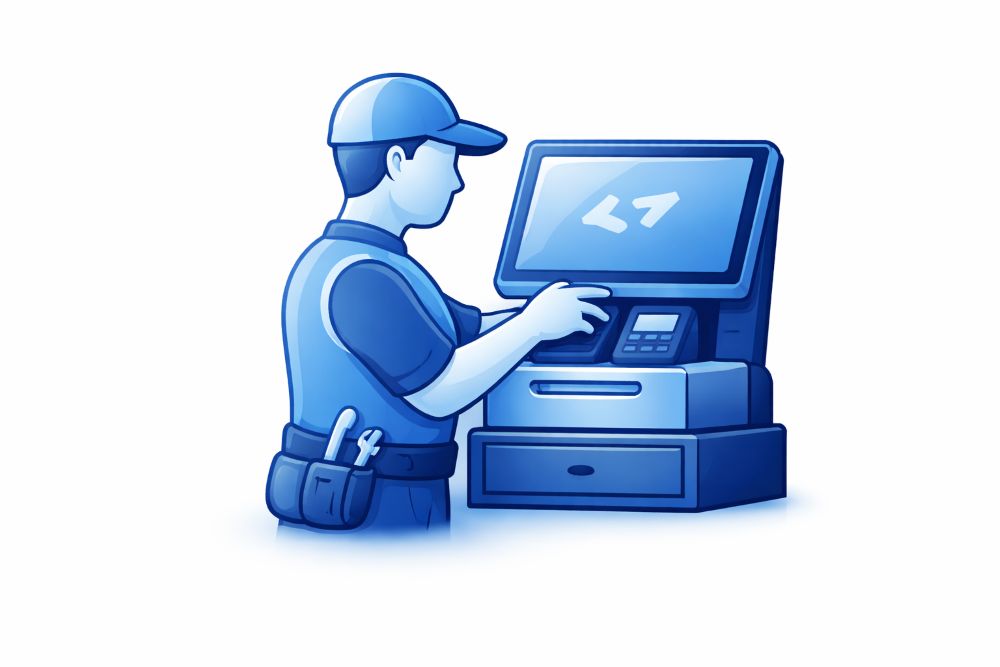
The final step is a full on-site installation. During this stage, a MyPay expert installs both the hardware and software directly at the business location. The expert explains how the system works, walks through its key functions, answers any questions, and confirms that everything is set up correctly. This step ensures that the business is fully prepared to start selling from day one, with confidence that the POS system is working as intended.