
POS Packages
Explore our POS packages – high-performance solutions built on the latest technology and tailor-made for you and your customers.
Choose the POS package that fits your business
All packages are built on the reliable MyPay platform
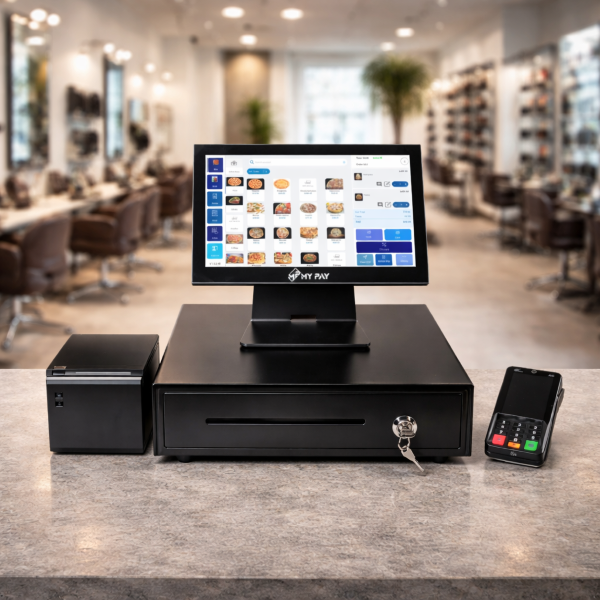

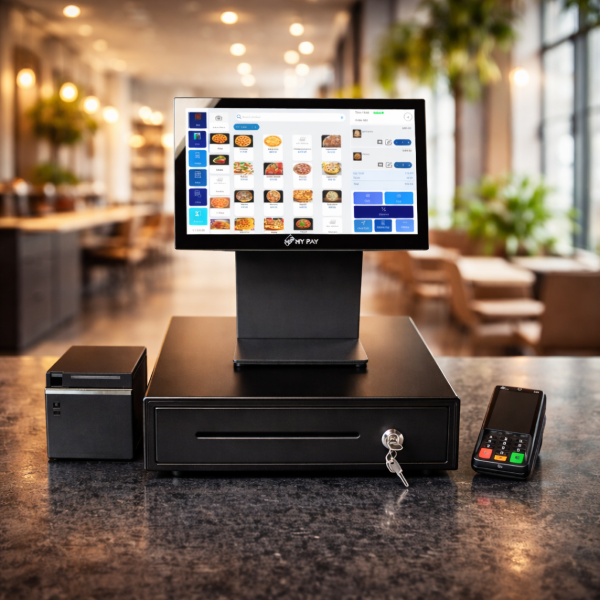
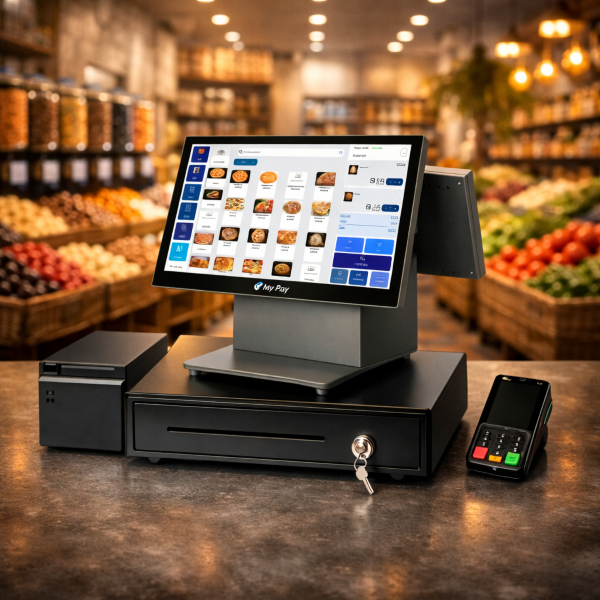
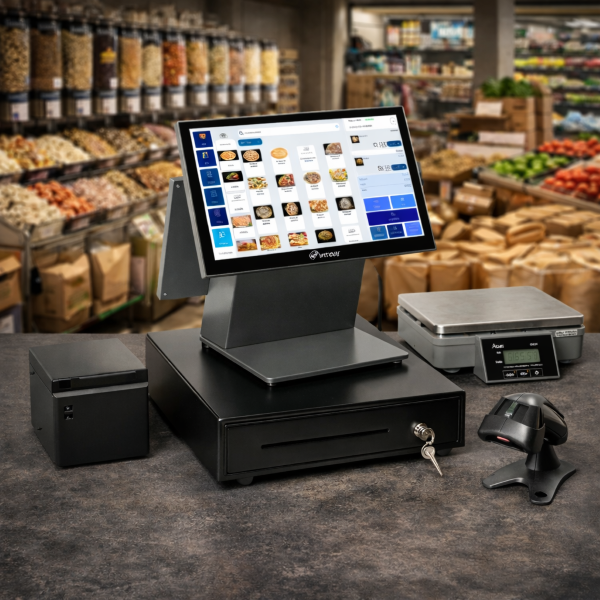
A MyPay POS system is a complete point-of-sale solution designed to support everyday business operations across industries such as retail, food & beverage, services, and ecommerce. It combines all essential POS components into a single, unified system that helps businesses operate efficiently and securely.
What Is a MyPay POS System?
What Does the MyPay POS System Include?
The MyPay POS system brings together all the key elements required for smooth point-of-sale operations:
- POS Hardware: Terminals and devices used directly at the point of sale to handle transactions.
- Checkout Software: User-friendly software that manages the sales process, product selection, and customer interactions.
- Payment Acceptance: Secure payment processing that allows businesses to confidently accept customer payments.
All components are designed to work seamlessly together, reducing system complexity and improving operational efficiency during daily business activities.
Core Capabilities and Integrations
The MyPay POS system supports essential business functions such as:
- Processing sales transactions
- Registering and managing products
- Completing fast and reliable customer checkouts
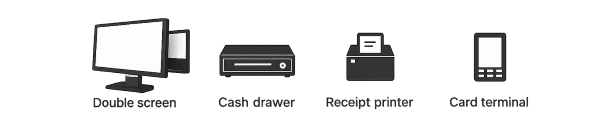
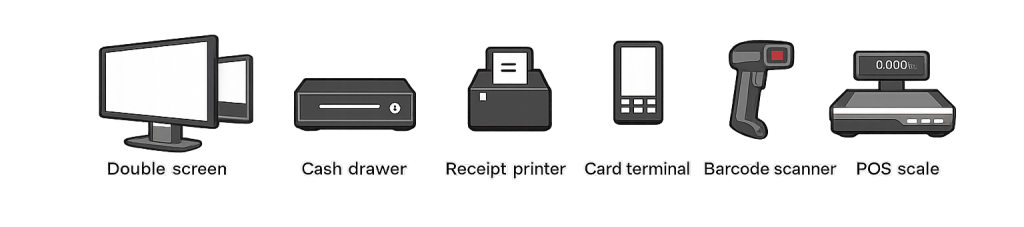
In addition, the system integrates smoothly with commonly used accessories, including:
This ensures that all connected tools function as part of a single, coordinated setup.
I
Designed to Fit Your Business
MyPay POS systems are built to support existing business workflows rather than disrupt them.
They offer a reliable and flexible setup that can be customized to match the unique operational needs of different businesses,
helping them grow while maintaining smooth daily operations.
Extend Your MyPay POS with Powerful Add-On Modules
The MyPay POS system can be expanded with dedicated modules that allow businesses to tailor the solution to their operational needs. These optional modules add advanced functionality on top of the core POS setup, making it easier to manage daily operations, optimize resources, and improve the customer experience as the business grows.
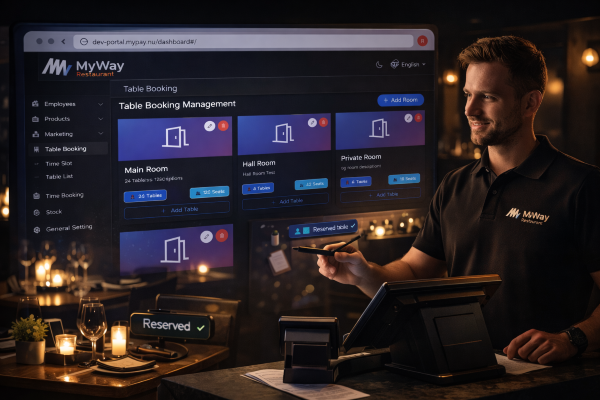
Table Booking
The Table Booking module helps businesses in food and beverage environments manage reservations efficiently. It provides a clear overview of table availability, supports structured seating plans, and helps reduce overbooking and wait times. This results in smoother service flow and a more controlled guest experience.
Time Booking
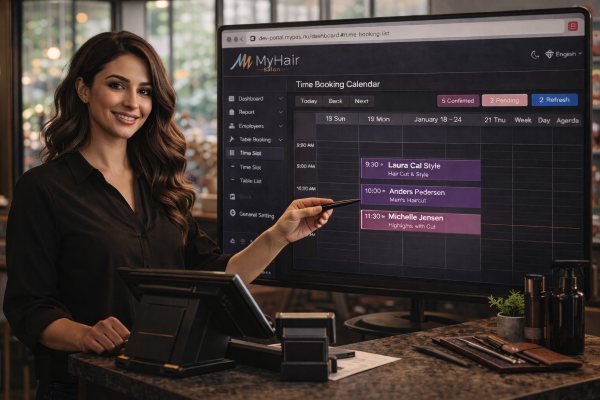
The Time Booking module is designed for service-based businesses that rely on appointments. It allows bookings to be scheduled and managed directly within the POS environment, helping companies to maintain an organized calendar, reduce no-shows, and ensure optimal use of staff time.
Stock Management
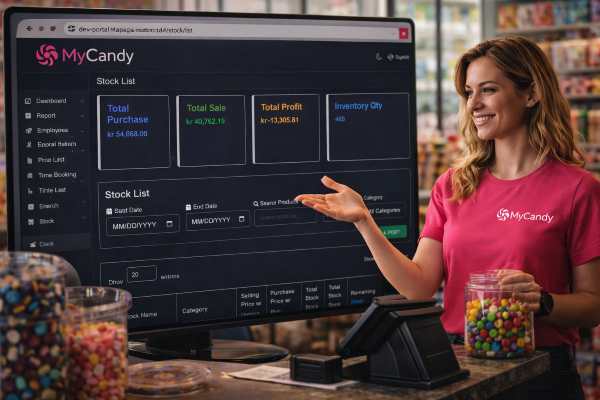
The Stock Management module provides businesses with better control over their inventory. It tracks product levels in real time, supports efficient restocking, and reduces the risk of running out of key items. This helps improve purchasing decisions, minimize waste, and maintain consistent availability for customers.
Employee Management
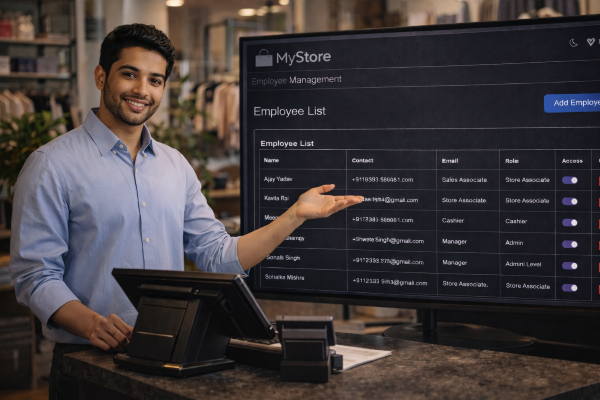
The Employee Management module supports structured staff administration. It enables businesses to manage employee access, track working hours, and maintain clear role definitions within the POS system. This improves operational oversight, supports accountability, and helps ensure smooth daily staffing operations.
Together, these modules allow businesses to scale their MyPay POS system beyond basic checkout functionality, creating a flexible and future-proof solution that adapts as operational needs evolve.
What types of POS systems does MyPay offer?
MyPay offers several POS system options, each carefully designed to fit different business environments, operational setups, and physical space requirements. These options allow businesses to choose a POS system that aligns with how their checkout area is structured, how much counter space is available, and how they prefer to interact with customers during transactions.
POS Single is a single-screen POS system that includes all the essential features required for smooth and efficient daily operations. This option focuses on providing a straightforward checkout experience where staff can manage sales, process payments, and complete transactions from one main screen. It is suitable for businesses that prefer a simple and reliable setup without additional display requirements, while still maintaining full operational capability.
POS Mini is a compact POS system with a smaller screen, specifically created for businesses that operate in locations with limited counter space. Its reduced physical footprint makes it ideal for tight environments where space efficiency is important. Despite its smaller size, POS Mini still delivers full POS functionality, allowing businesses to perform the same core tasks as larger systems, including sales processing and payment acceptance, without compromising on performance.
POS Double is a dual-screen POS system designed to enhance the customer experience and support smoother checkout interactions. One screen is used by staff to manage transactions, while the second screen faces the customer. This customer-facing screen allows customers to view order details during checkout, helping create greater transparency, reduce confusion, and improve the overall flow of transactions at the point of sale.
All MyPay POS options operate using the same core software, ensuring consistency in functionality, performance, and user experience across all system types. Each option fully supports payment acceptance and integration with POS accessories, allowing businesses to maintain a unified and dependable POS setup regardless of which hardware configuration they choose.
How does the MyPay POS setup process work?
The MyPay POS setup process is carried out through three structured steps, designed to ensure that each business receives a POS solution that fits its specific needs and is ready for use without complications.
The process begins with a personal meeting, which can take place either at the customer’s location or at MyPay’s premises. During this meeting, the focus is on gaining a clear understanding of the business, how it operates, and what requirements it has for a POS system. This step ensures that MyPay fully understands the business environment, daily workflows, and operational goals before moving forward.
The second step is a tailored setup. Based on the insights gathered during the personal meeting, the POS system and any required accessories are carefully selected to align with the business’s workflow. This step ensures that the chosen hardware and software configuration supports how the business actually operates, rather than forcing the business to adapt to a generic setup.
The final step is a full on-site installation. During this stage, a MyPay expert installs both the hardware and software directly at the business location. The expert explains how the system works, walks through its key functions, answers any questions, and confirms that everything is set up correctly. This step ensures that the business is fully prepared to start selling from day one, with confidence that the POS system is working as intended.